
Key Takeaways
- Website Performance Monitoring Tools help you detect speed issues, downtime, and real-user experience problems before they impact rankings or conversions.
- For basic and free Core Web Vitals (CWV) statistics, Google PageSpeed Insights continue to be the best options.
- Datadog and New Relic are Web Developers’ popular choice for deep-stack observability, linking front-end speed to back-end database queries.
- GTmetrix and Semrush Site Audit are ideal for SEOs, providing a perfect mix of speed diagnostics and actionable technical recommendations to improve search rankings and performance.
Table of Contents
ToggleA slow website not only frustrates Google’s AI-driven search and dampen you Core Web Vitals but also reduces your visibility in AI-powered search engines. That’s where Website Performance Monitoring Tools come in.
These tools help you measure speed, uptime, user experience, and technical bottlenecks across devices and locations—so you can fix issues before rankings drop or users bounce.
In this guide, we review the Top 10 Best Website Performance Monitoring Tools, covering both free and paid options, so you can choose the right solution for your technical needs and growth stage.
1. Google Page Speed Insights (PSI)
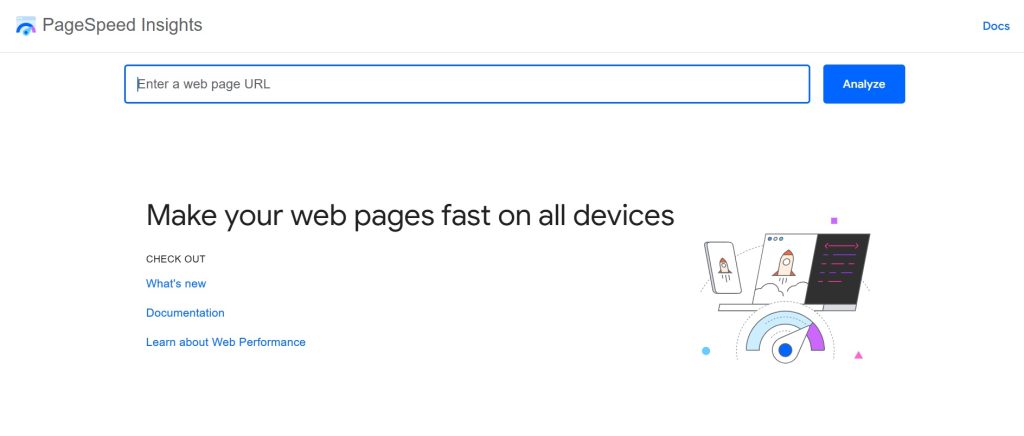
Google PageSpeed Insights or PSI is a free performance monitoring tool that analyzes page speed using real-world Chrome user data to improve SEO.
Why It’s Great
It’s directly aligned with Google’s ranking signals, making it essential for SEO professionals.
Key Features:
- Core Web Vitals reporting
- Field (CrUX) & lab data
- Mobile & desktop performance analysis
- Actionable optimization suggestions
Pros:
- Free and accurate
- Google-backed data
- SEO-focused metrics
Cons:
- No historical tracking
- Single-URL testing only
Best For:
SEO Specialists and site owners needing a quick Core Web Vitals health check.
2. GTmetrix
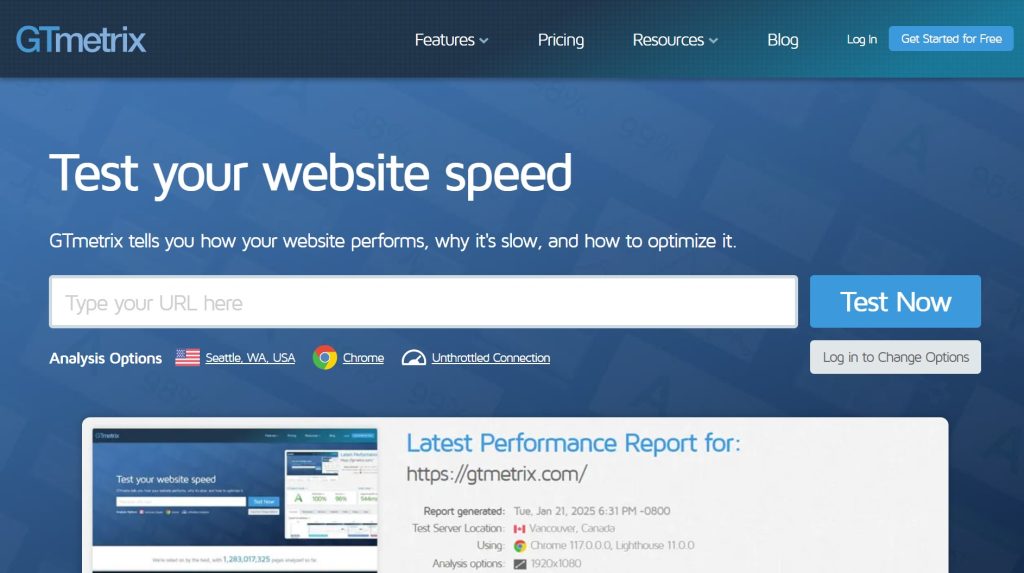
GTmetrix is a favourite among web developers for its deep-dive “waterfall” charts that show exactly how every script, image, and CSS file loads. It also uses Lighthouse (a Chrome Extension for monitoring web apps) metrics, offering waterfall charts, video playback, and global testing to optimize site speed.
Why It’s Great
GTmetrix allows you to test from 22 global locations and simulate different connection speeds (like 4G or slow cable).
Key Features:
- Page speed scores
- Waterfall analysis
- Global testing locations (paid)
- Performance history tracking
Pros:
- Highly visual reports
- Easy to share with clients
- Excellent historical tracking
Cons:
- The free plan is limited
- Can be overwhelming for beginners
Best For:
Technical SEO Specialists and Web Developers.
3. Pingdom (by SolarWinds)
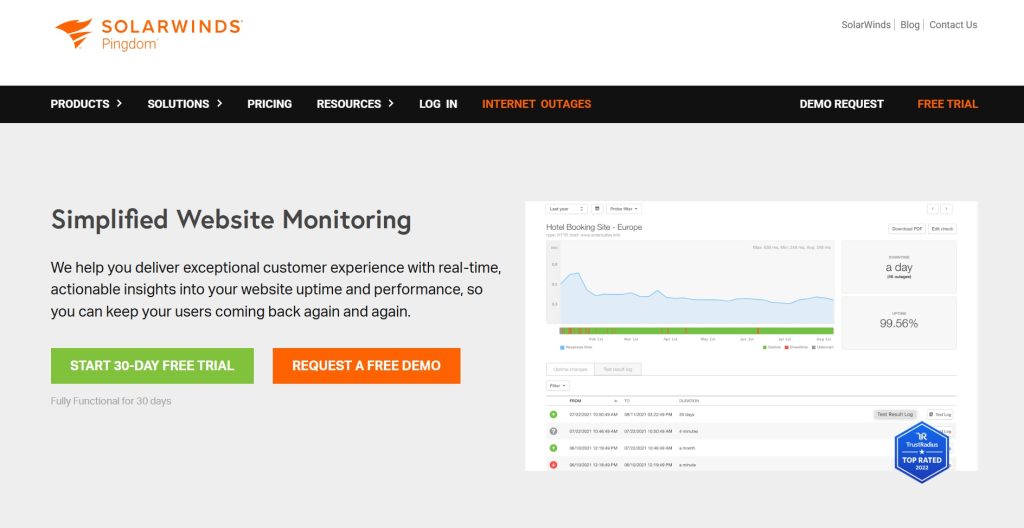
Known for its simplicity and reliability, Pingdom is the go-to for uptime and speed monitoring from multiple global locations. The tool features reliable uptime, page speed, and transaction monitoring from 100+ global locations, ensuring site availability with instant, double-checked alerts.
Why It’s Great
Its uptime alerts are lightning-fast, ensuring you’re the first to know if your site goes down.
Pros:
- Reliable alerts
- Simple dashboards
Cons:
- The free plan is limited
- Some data is surface-level.
Best For:
Small to Medium Businesses (SMBs) and Web Designers.
4. Datadog Real User Monitoring (RUM)
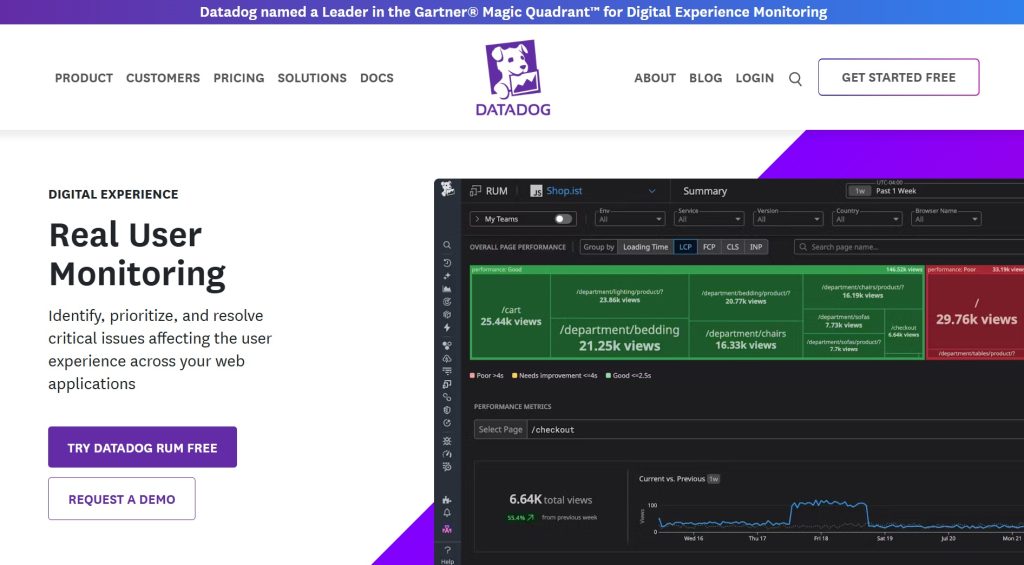
Datadog RUM combines infrastructure monitoring with front-end performance tracking. The website monitoring tool connects the dots between a user’s browser and your server infrastructure.
Why It’s Great
It offers session replays, allowing you to watch a video of exactly what a user did when they experienced a performance lag.
Key Features:
- AI-powered anomaly detection
- Session replay
- Performance alerts
- End-to-end tracing
Pros:
- Enterprise-grade insights
- Deep diagnostics
- Integrates with CI/CD pipelines
Cons:
- Complex setup
- Expensive for small businesses
Best For:
Enterprises-level Web Developers and DevOps teams.
5. WebPageTest

WebPageTest is a powerful open-source web performance testing tool used by engineers worldwide. It offers detailed waterfall charts, video captures, and global testing for in-depth performance monitoring and analysis.
Why It’s Great
It supports advanced testing like “Visual Comparison” (loading two sites side-by-side) and multi-step transaction scripting.
Key Features:
- Lighthouse integration
- Core Web Vitals breakdown
- Easy Mode feature for non-technical users
Pros:
- Free version is very robust
- Allows testing on real mobile devices.
Cons:
- More suited for advanced developers and engineers
Best For:
Hardcore Technical SEO Specialists and Performance Engineers.
6. New Relic
New Relic provides full-stack visibility to track how actual users experience browsing a site. It is a comprehensive observability platform providing deep full-stack monitoring, real-time error tracking, and AI-driven insights for complex web applications, making it most suitable for debugging JavaScript-heavy sites.
Why It’s Great
It offers full-stack visibility and their Core Web Vitals Quickstart dashboard gives instant insights across your entire user base.
Key Features:
- Javascript error tracking
- Synthetic browser testing
- AI-driven root cause analysis.
Pros:
- Generous free tier (100GB/month)
- Excellent documentation
- Strong AI features.
Cons:
- Pricing can be unpredictable as you scale
Best For:
Large-scale websites and SaaS platforms.
7. Semrush Site Audit
Semrush’s Site Audit includes a high-powered Performance Report tailored specifically for SEO. It integrates performance checks with technical SEO analysis.
Why It’s Great:
It automatically identifies technical issues, making it ideal for SEOs managing performance and crawlability together.
Key Features
- Core Web Vitals insights
- Automated weekly crawls
- Internal link optimization
Pros:
- Integrated with keyword and backlink data
- Easy one-click reporting
Cons:
- Not a real-time monitoring tool.
Best For:
SEO Specialists who want performance data in one platform.
8. Cloudflare Web Analytics

Cloudflare Analytics provides essential user privacy-protected web analytics for free. The tool can also provide performance insights when paired with CDN and caching.
Why It’s Great:
It helps improve web performance and monitoring in one ecosystem.
Key Features:
- Traffic insights
- Caching performance
- Security & speed analytics
Pros:
- Built-in optimization
- Free tier
Cons:
- Limited stand alone reporting
Best For:
Sites already using Cloudflare CDN.
9. DebugBear
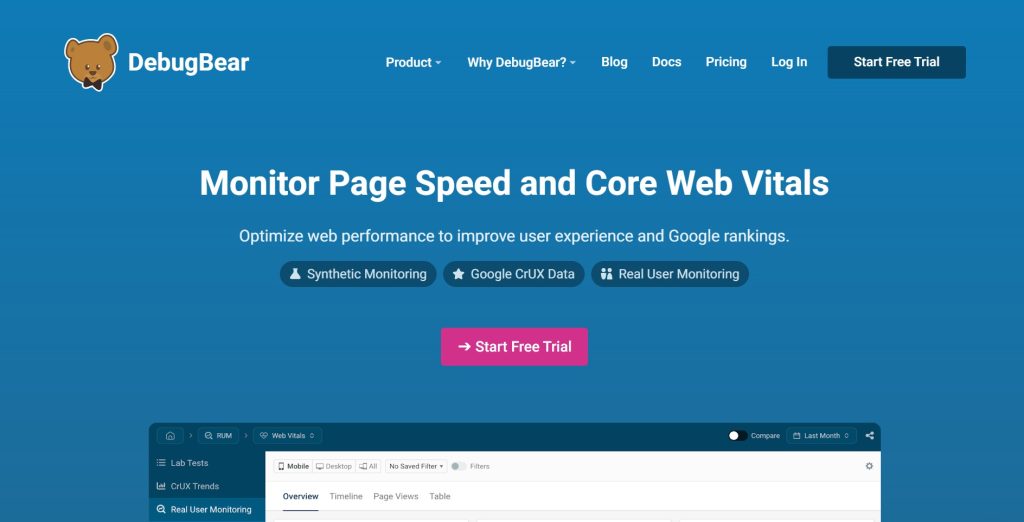
DebugBear focuses almost exclusively on monitoring Core Web Vitals and site speed over time. It blends synthetic monitoring, real user monitoring (RUM), and Google CrUX analysis into a unified performance dashboard to help you track, diagnose, and improve website performance over time.
Why It’s Great
A Chrome Extension is available that allows you to see real-time user experience data and Google’s Core Web Vitals metrics.
Key Features:
- Synthetic website monitoring
- Real User Monitoring (RUM):
- Competitor benchmarking,
- Regression alerts
Pros:
- Purpose-built for speed
- Highly detailed reporting
Cons:
- Only paid plans are available
- Very niche focus
Best For:
Performance-focused web developers and technical SEO specialists.
10. UptimeRobot
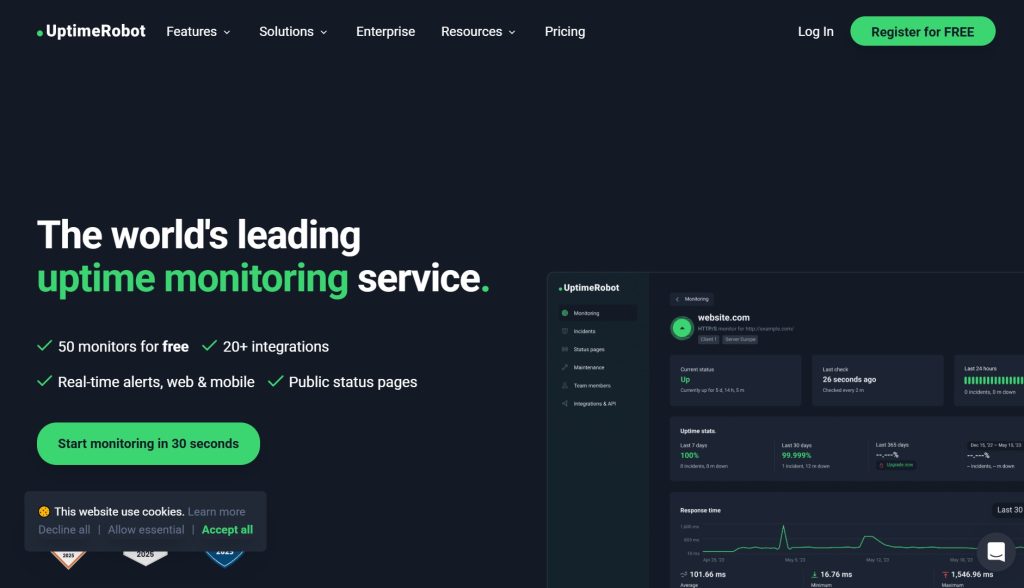
UptimeRobot is a widely used website monitoring tool focused on uptime, response time, and availability checks. It’s easy to set up and scales from hobby projects to larger sites.
Why It’s Great
UptimeRobot’s strength lies in its simple, reliable uptime monitoring combined with flexible alerting options across email, SMS, voice, and integrations like Slack or Teams.
Key Features:
- Uptime & response time monitoring
- Custom alerts & integrations
- Multi-location checks
- SSL & domain expiration alerts
Pros:
- Generous free tier with up to 50 monitors
- Intuitive dashboard and quick setup
- Wide alerting options and integrations
Cons:
- No Real User Monitoring (RUM) or
- No advanced performance analytics
Best For:
Freelancers, developers and small site owners.
Legal Disclaimer: All brand names, trademarks, and logos that appear on this website belong to their respective owners. Without the respective owner’s written permission or direct affiliation, they are used here just for identifying purposes.
Useful Tips on How to Choose the Best Performance Monitoring Tool
When selecting a performance monitoring tool in 2026, the landscape has shifted from simple “speed tests” to complex ecosystems that balance SEO requirements with technical depth. To find the right fit, evaluate these five pillars of performance strategy.
SEO Alignment: Core Web Vitals & AI-Search Signals
Search engines now prioritize Interaction to Next Paint (INP) and other user-centric metrics over raw load times.
- The Requirement: Ensure your tool pulls directly from Chrome User Experience Report (CrUX) data.
- The Goal: You need a tool that doesn’t just give you a score, but maps out a prioritized SEO Roadmap—showing which performance fixes will have the highest impact on your search rankings and visibility in AI-driven results.
Scale: From Boutique Blogs to Global Enterprise
Depending on your traffic volume and infrastructure complexity, consider the following factors:
- Small Sites: Prioritize simplicity and ease of use. A tool that sends a simple alert when your site is down or noticeably slow is often more valuable than a complex dashboard you’ll never check.
- Enterprise: At this level, performance is about infrastructure dependencies. You need tools that can handle millions of data points and integrate with your CDN, cloud provider, and backend databases to see how they impact the global user experience.
Monitoring Strategy: Synthetic vs. Real-User Monitoring (RUM)
Choosing between these is like choosing between a laboratory experiment and a real-world observation.
- Synthetic Tests (Lab): These are simulated bots checking your site from a fixed location. They are perfect for benchmarking and catching bugs before you deploy new code.
- RUM (Field): This tracks actual visitors. It is essential for understanding your performance across different devices and unstable mobile networks. A robust 2026 strategy uses Synthetic for testing and RUM for ongoing optimization.
Budget: Balancing ROI with Capability
Performance tools range from $0 to $10,000+ per month.
- Free Tools: These are incredibly powerful for one-off audits and basic uptime checks. However, features are limited and they often lack historical data retention and advanced alerting.
- Premium Analytics: Paid tools offer “Time Travel” (historical comparisons), AI-powered anomaly detection, and advanced team collaboration features. Consider calculating your downtime cost—if an hour of slowness costs you $500 in sales, a $50/month tool pays for itself instantly.
Reporting: Actionable Alerts vs. Data Fatigue
Data is useless if it’s buried in a messy dashboard.
- Historical Trends: You need to see if your site is getting faster or slower over months, not just minutes. This helps prove the ROI of your development work.
- Intelligent Alerting: Look for tools with “Smart Thresholds.” Instead of getting an email every time a single page load is slow, you want an alert only when your average performance drops significantly, or when a critical path (like your checkout button) fails.
Conclusion: Turn Performance Insights Into Real Results
The right Website Performance Monitoring Tools give you the visibility to catch speed issues early, protect Core Web Vitals, and continuously improve real user experience across devices and regions.
That said, tools alone don’t fix performance problems—execution does. Knowing what to optimize, why it matters for SEO, and how to implement changes without breaking your site is where expertise makes the difference.
When you’re ready to go beyond monitoring your site, our digital PR services are built for both web visibility and brand awareness.
FAQ: Website Performance Monitoring Tools
What is the difference between Synthetic and Real User Monitoring (RUM)?
Synthetic monitoring uses a “bot” to test your site in a controlled environment, while RUM collects data from actual visitors’ browsers as they browse.
Why is Core Web Vitals (CWV) so important in 2026?
CWV are part of Google’s ranking algorithm. Specifically, the Interaction to Next Paint (INP) metric now measures how quickly your site responds to user clicks, which is vital for SEO.
Can I monitor web performance for free?
Yes. Tools like Google PageSpeed Insights, and the free tiers of GTmetrix and UptimeRobot provide excellent starting points for small sites.
How often should I check my website's performance?
For high-traffic sites, consider setting up automated monitoring that checks every 1–5 minutes. For smaller sites, a weekly manual audit is usually sufficient.
Does a fast site really improve my SEO?
Absolutely. Faster sites have lower bounce rates and higher crawl efficiency, which helps search engines index your pages more effectively.
Do these tools work for mobile apps too?
Tools like Datadog and New Relic have specific modules for mobile app performance (APM), whereas Google’s PSI and GTmetrix are focused on web pages.